Agent onboarding
Welcome to the team. Choose your location to see the requirements and intake forms specific to your market.
Your path to launch
Application, training, and team access requirements.
- Step 1 · Apply & onboard
Apply & onboard
Submit your application, confirm Preferred fit, and activate your tech.
Already have a Zillow account
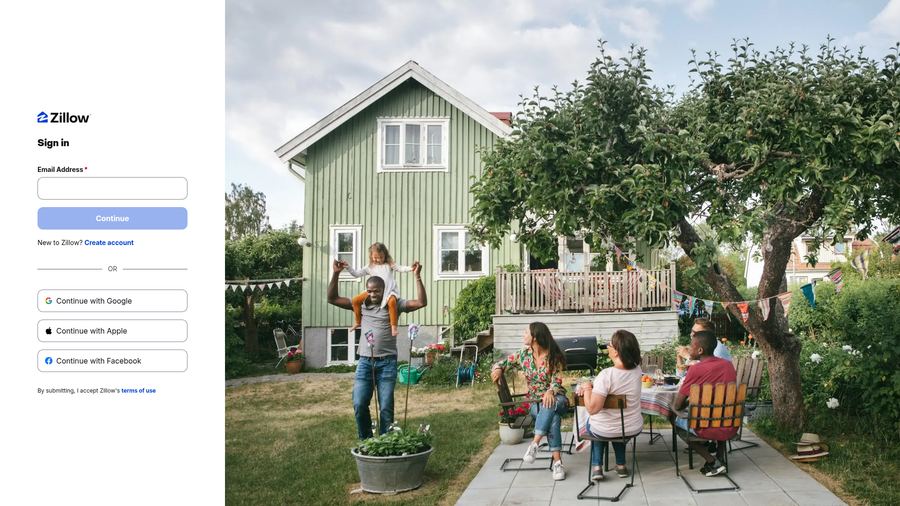
- Sign in to your existing Zillow account at zillow.com. Zillow sign-in page
- Open your Agent Hub profile and confirm your name, photo, and contact info are current. Zillow Profiles help
- Add a bio so customers searching your market know who you are and how you help. Zillow Profiles help
- Update your brokerage affiliation to your correct URE brokerage so leads route to the team. Edit professional information
- Confirm your license number is listed and matches your active license. MLS Agent ID & license FAQ
- Review your service areas and add the zips covered by your market. Zillow agent support
- Save your changes, then check this item off. Zillow Help Center
New to Zillow — create your agent account
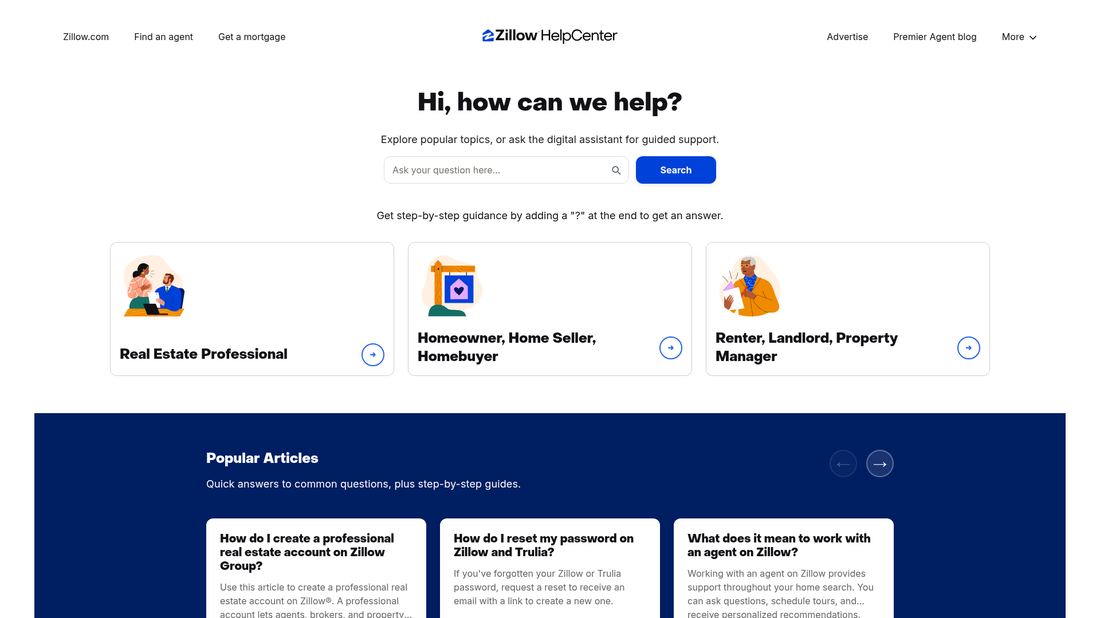
- Go to zillow.com and choose Sign up, then select the agent option. Zillow sign-up page
- Register with the email address you want to use with your real estate customers. Zillow's official 8-step profile guide
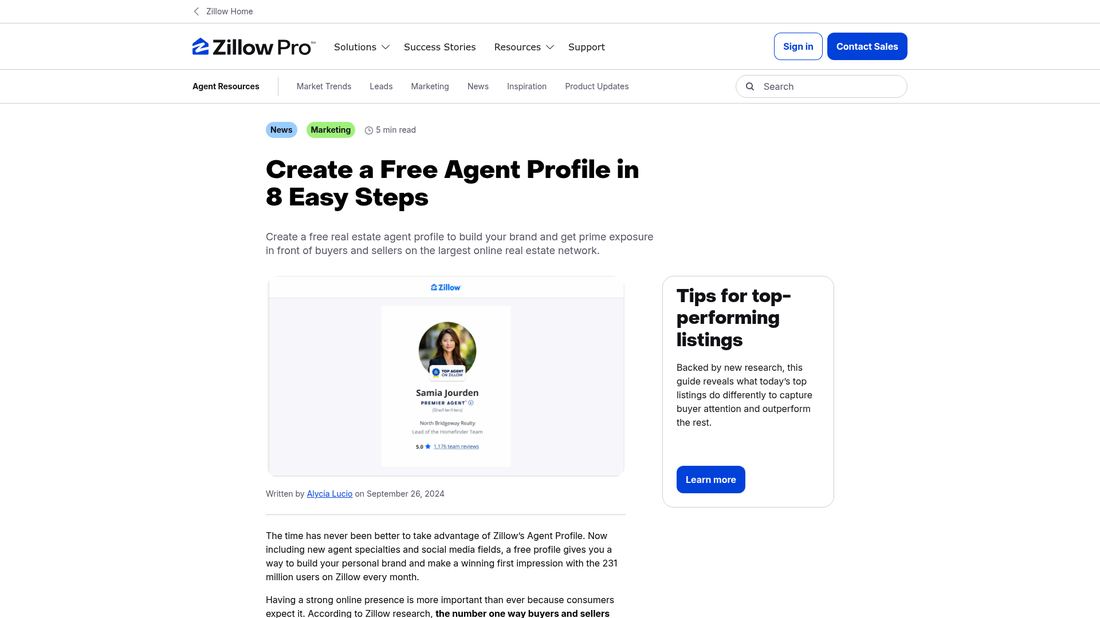
- Complete your agent profile: name, photo, phone, and license number. Profile photo & details steps
- Add a bio so customers searching your market know who you are and how you help. Zillow's official 8-step profile guide
- Set your brokerage affiliation to your correct URE brokerage. Edit professional information
- Add the service-area zips for your market. Zillow agent support
- Verify your account via the confirmation email Zillow sends. Zillow Help Center
- Sign in once to confirm everything works, then check this item off. Zillow sign-in page
- Sign in to your existing Zillow account at zillow.com. Zillow sign-in page
- Step 2 · Train
Required training
Complete Zillow Preferred and team training modules.
- Step 3 · Train
Training review
Submit certificates — leadership reviews and approves.
- Step 4 · Launch
Hub access granted
Sign the ICA and Preferred team agreement and unlock the full Member Hub: lenders, calendar, references.
Accept your invite and finish setup
- Find your invitation email — the subject line reads “(Owner name) invites you to Follow Up Boss.” Check spam or junk if it isn't in your inbox. FUB: how team invites are sent
- Open the email and click Create My Account. Do not sign up with FUB directly — you must be on UREG's account. FUB: getting started for agents
- Create a password, agree to the Terms & Conditions and Privacy Policy, then click Create My Account. This is the password you use on the desktop site and in the mobile app. FUB: account setup steps
- Connect your email: click your initials in the top right → My Settings → Email → Sign in with Google or Microsoft, then follow the prompts. FUB: connect your email & calendar
- Link your Zillow Profile when prompted so Zillow leads sync into your inbox (this only appears once the team's Zillow integration is connected). FUB: link your Zillow Profile
- Turn on notifications: click the bell in the top right → settings gear and enable the alerts. Confirm you can see the team inbox, then check this item off. FUB: getting-started checklist
Invitation never arrived? Tell your team lead — invites are sent from the team's Follow Up Boss account and can be resent.
Install the ZPA mobile app (Zillow Premier Agent)
- Download the Premier Agent app for iPhone or iPad from Apple's App Store. Official App Store listing
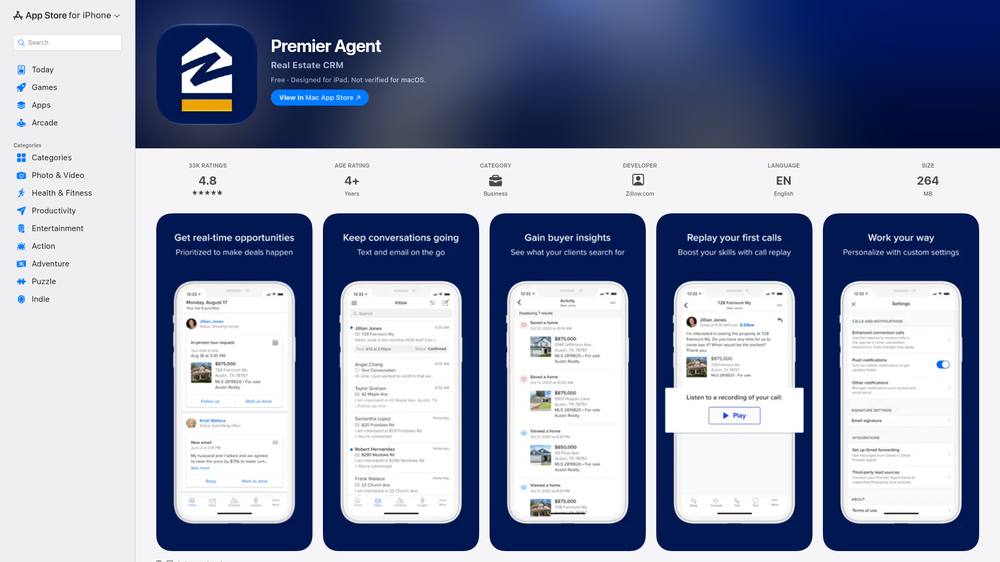
- On an Android phone, download it from Google Play — or scan the QR code on Zillow's download page with your phone camera. Official Google Play listing
- Open the app and sign in with the email and password for your Zillow profile. Zillow's official download page
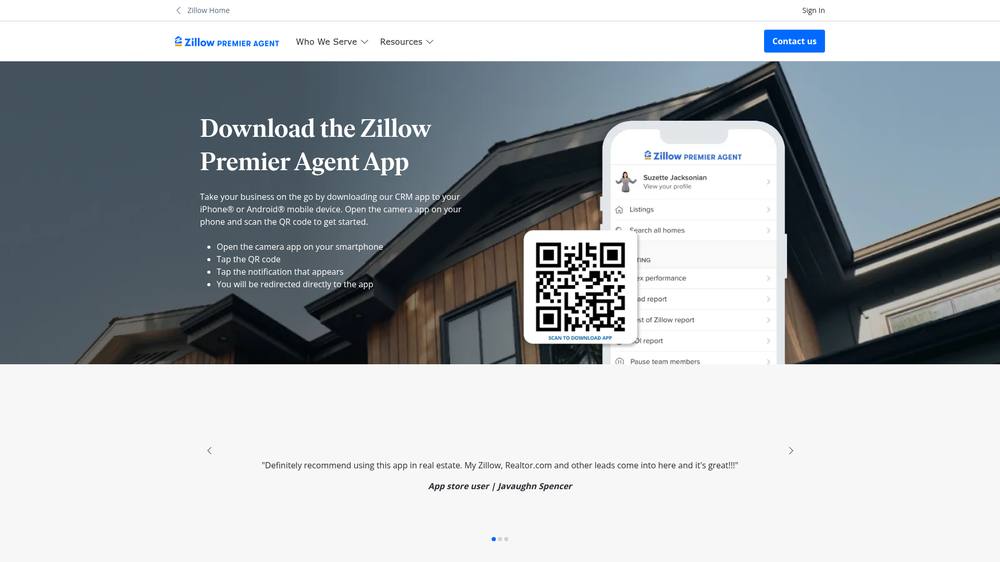
- Turn on push notifications when prompted so new Zillow leads reach you instantly. Zillow: turn on push notifications
- Confirm your leads and inbox look right, then check this item off. Zillow agent support
Install the Follow Up Boss mobile app and enable sync
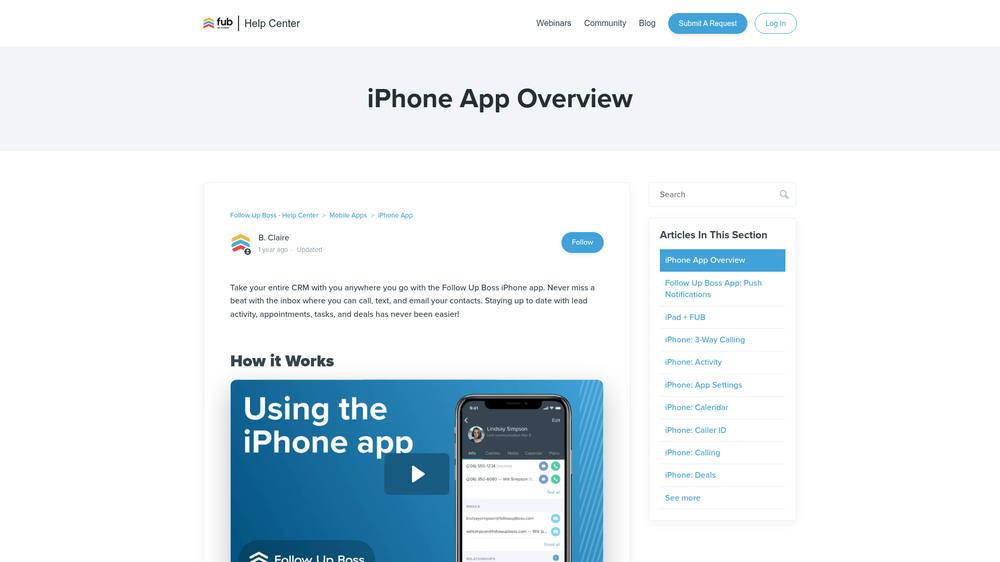
- Download the Follow Up Boss app from Apple's App Store (or Google Play for Android). Official App Store listing
- Log in with the Team Follow Up Boss account credentials — do not sign up with FUB directly; you must be on UREG's account. FUB: iPhone app setup
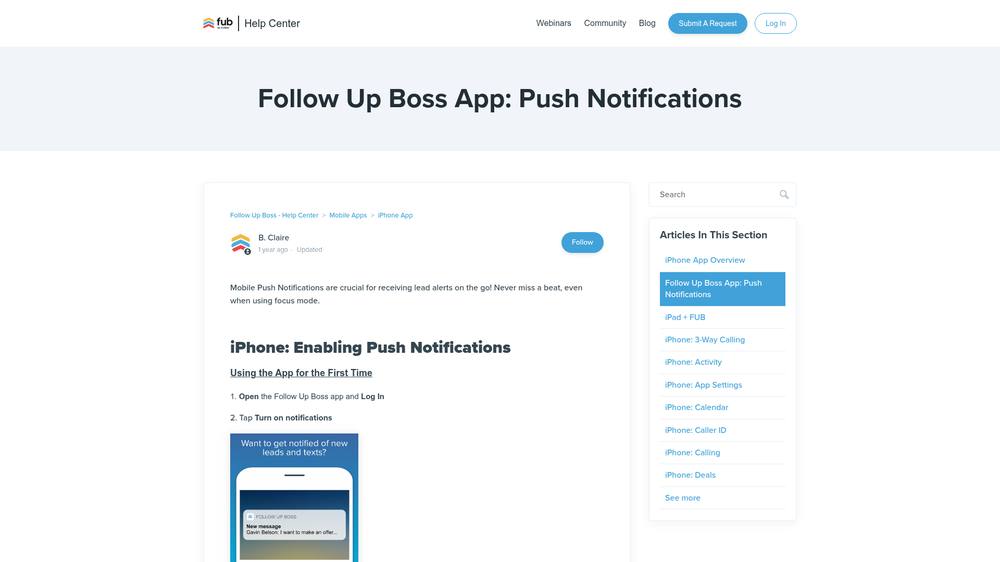
- Tap Turn on notifications and allow them, so lead alerts reach you on the go. FUB: push notifications setup
- On Android, also enable calling, caller ID, and Always text in app under your profile settings. FUB: Android app overview
- Confirm your Zillow leads appear in the FUB inbox (the sync), then check this item off. FUB mobile apps help
- Download the Premier Agent app for iPhone or iPad from Apple's App Store. Official App Store listing
- Step 5 · Launch
First leads & launch
Begin receiving Preferred leads and close your first deals.
Zillow Program Handbook
Jacksonville, FL
Northeast Florida market — Duval, St. Johns, Clay, and Nassau counties.
Requirements
- •Active Florida real estate license in good standing
- •NEFAR (Northeast Florida Association of Realtors) membership
- •realMLS / NEFMLS access
- •Completed Zillow Premier Agent onboarding for the Jacksonville zips
Intake forms
- ICA (Independent Contractor Agreement)
UREG Zillow Preferred Team — Jacksonville, FL
The UREG Zillow Preferred Team gives agents access to Zillow buyer leads with no upfront out-of-pocket lead expenses. In exchange, agents pay a Zillow referral fee at closing per Zillow's program guidelines. Continued participation requires meeting program requirements, and enrollment is limited. Participation in both the Preferred and Connect programs at the same time is prohibited.
Start the Preferred Team applicationFollow Up Boss Pro participation
All Preferred Team members must manage assigned leads exclusively in Follow Up Boss (FUB). An active Follow Up Boss Pro subscription is required, and you must be set up on UREG's FUB account — do not sign up with FUB directly. FUB costs are the sole responsibility of the team member.
- •Standard FUB Pro fee: $35.00 / month.
- •UREG subsidizes part of the cost only if you pay annually in one payment.
- •Annual cost: $300 (UREG covers $120 of that).
- •The annual option is only available at the start of each 12-month term — it disappears once the first monthly payment is processed.
- •If you discontinue Preferred: cancel monthly FUB at the end of the paid month, or continue at the non-Zillow rate of $45.00 / month. Notice of termination is your responsibility — failure to notify results in automatic billing at the non-Zillow rate.
- •If you paid annually and discontinue, you keep FUB at no extra cost for the remainder of the paid term, then bill at the non-Zillow rate.
Requirements, expectations & understandings
- •Be a full-time real estate agent
- •Maintain a minimum of 1 Preferred lead under contract per month
- •Answer a minimum of 1 Live Connect monthly
- •Follow the ALM call script provided by Zillow
- •Update leads 3–4 times per week (Info, Status, Notes, Insights)
- •Move leads to the correct status in FUB
- •Contact all leads following FUB tasks and reminders
- •Keep all parties informed through closing and update the lead in FUB
- •Update your phone weekly to allow the app to sync
- •Notify team management of leads that need a different agent
- •Upload Closing Statements into Zillow within 3 days of closing
- •Attend weekly team meetings (Thursdays at 10:00 AM)
- •Attend monthly Preferred meetings and be ready to share updates
- •Be coachable and open to new ideas
- •Attend and complete all mandatory Zillow Preferred trainings
- •Attain and maintain all Zillow Preferred required benchmarks
- •Review, sign, and execute the Zillow Master Preferred Agreement
Preferred is a privilege, not a right.
Agents reminded to update their leads three times will be paused for 1 week.
Agents missing benchmarks will be paused until required training is completed.
All members agree to be professional with teammates, support staff, and leadership.
90-day probationary period & program changes
- •If you can't hit the metrics in the month after your first 90 days, you'll be assigned additional training, coaching, and/or removed from the team.
- •Missing metrics for 2 months (60 days) after the first 90 days places you on probation for the following 60 days. Continued misses may result in removal — and you cannot reapply for 90 days, and only when a spot is open.
- •2+ unexcused absences in one month can pause an agent for 1 week.
- •Leadership may periodically update procedures, benchmarks, or clarify the program. Members agree to all such changes upon timely notification.
Commission split & referral fee
- •Every closed Preferred transaction is subject to a Zillow referral fee (assigned by Zillow based on location), deducted from the gross commission and paid directly to Zillow.
- •Remaining commission is split 70 / 30 — 70% to the participating agent, 30% to UREG.
- •All Preferred leads are property of Zillow Preferred and UREG. If you move your license to another brokerage, leads must be turned over to the UREG Zillow Preferred Coordinator for reassignment.
- •To continue working a Preferred lead after leaving, you must register the lead with the Coordinator and agree to a 30% referral to UREG at closing.
- •Preferred commissions do not apply to your UREG annual cap.
- •All Zillow transactions are centralized through UREG Accounting Department. CDAs are not issued for these files — closing documents and funds must be delivered to UREG Accounting Department immediately after settlement.
Zillow Buyer: Definition & Referral Fee Policy
Every agent must pay the required success/referral fee for any client classified as a Zillow Buyer — with no exceptions.
What is a Zillow Buyer?
Any buyer lead or client whose relationship with our team or agent began through Zillow’s platform or a Zillow-provided lead.
Referrals count too
A referral sourced from a Zillow lead is itself a Zillow lead. If your only connection to a client is through a Zillow customer, the success fee is still due.
How long it applies
- 2 years from the lead with no closed transactions
- 2 years after the first closing
- After 2 closed transactions
Whichever comes first ends coverage.
Bottom line: If Zillow — directly or through a referral chain — sourced the buyer, the transaction carries the fee, within the coverage window above.
Your first 30 days
- 1
Welcome & paperwork
ICA and team policies. We'll walk you through everything in your first 48 hours.
- 2
Set up your tech
Update your Zillow account or create your agent account, plus CRM access.
- 3
Meet the team
1:1 with your team lead, intro to admin staff, and a tour of your office location.
- 4
Lender introductions
Meet our preferred lender partners and learn each program offered.
- 5
Training kickoff
Complete the required training modules in the Training Center within your first 30 days.
- 6
First listing & buyer prep
Shadow a teammate on a listing appointment and a buyer consultation.
Already have your account?
Sign in to access training, calendar, lenders, and your team directory.
Member sign in